KEY TAKEAWAYS
- Most attacks on small businesses start with a stolen password, a phishing email or an unpatched system, not a sophisticated hacker.
- Multi-factor authentication, patching, tested backups and staff awareness remove the majority of everyday risk.
- You do not need an enterprise budget. You need the right fifteen controls, done consistently and checked every quarter.
In this guide
Small businesses often assume they are too small to interest attackers. In reality, they are attractive precisely because they hold valuable data, such as customer details, invoices and bank access, while usually having fewer defences than large companies. Most incidents we investigate are not cinematic hacks. They are a reused password, an urgent-looking email, or a server that missed a year of updates.
This checklist covers the fifteen controls that stop the majority of real-world attacks on small and medium-sized businesses. It is aligned with widely used frameworks such as the NIST Cybersecurity Framework 2.0 and ISO 27001, but written so a business owner can act on it this week.
Why small businesses are targeted
Attackers automate. They scan the internet for exposed systems, buy leaked passwords in bulk and send phishing emails by the thousand. Automation means they do not choose victims by size; they choose by weakness. A ten-person company with no multi-factor authentication is easier to break into than a bank, and the payoff, through ransomware or invoice fraud, can still be significant.
The good news is that the same automation makes the most common attacks predictable. If you close the obvious doors, most automated attacks simply move on to someone else.
1. Protect identities and accounts
Turn on multi-factor authentication everywhere
Multi-factor authentication (MFA) is the single most effective control on this list. Enable it on email, Microsoft 365 or Google Workspace, banking, your website admin, your domain registrar and any cloud service. Prefer an authenticator app or passkeys over SMS codes, which can be intercepted through SIM-swap fraud.
Use a password manager
Give every employee a business password manager so they can use long, unique passwords without memorising them. Reused passwords are how one leaked account turns into a full compromise.
Apply least privilege
Staff should only have access to the systems and folders they need for their role. Remove admin rights from everyday accounts, and keep a separate admin account for IT tasks. When someone leaves, disable their accounts on the same day.
2. Secure devices and software
Patch automatically
Turn on automatic updates for operating systems, browsers and business apps. Many successful attacks exploit vulnerabilities that were fixed months earlier. Aim to apply critical security updates within days, not quarters.
Use modern endpoint protection
Every laptop and server should run up-to-date endpoint protection. Built-in tools such as Microsoft Defender are strong when properly configured and monitored. Larger teams benefit from endpoint detection and response (EDR), which spots suspicious behaviour rather than just known malware.
Encrypt laptops and phones
Enable full-disk encryption (BitLocker on Windows, FileVault on macOS) and require a screen lock on phones that access company email. A lost device then becomes an inconvenience rather than a data breach.
Keep an inventory
You cannot protect what you do not know about. Maintain a simple list of devices, software subscriptions and who owns each account. It is also the first thing an auditor or insurer will ask for.
3. Protect and back up your data
Follow the 3-2-1 backup rule
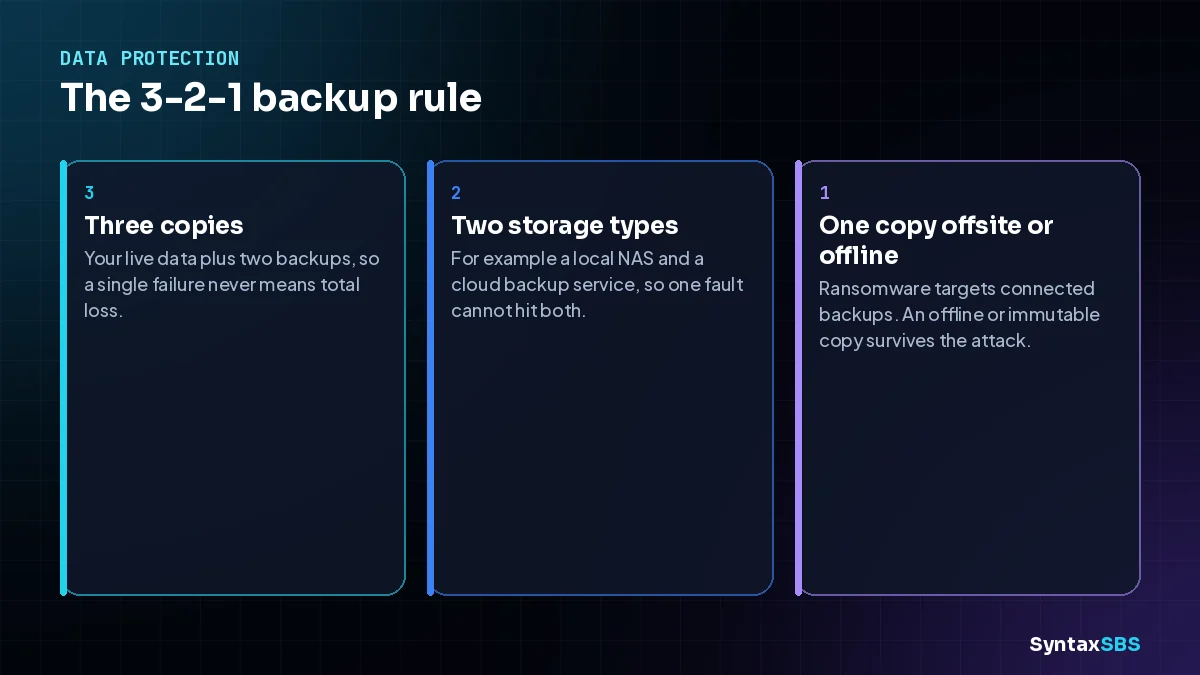
Keep three copies of important data, on two different types of storage, with one copy offsite or offline. Ransomware deliberately targets connected backups, so at least one copy must be immutable or disconnected.
Test your restores
A backup that has never been restored is a hope, not a plan. Every quarter, restore a few files and one full system to confirm your backups actually work and to measure how long recovery takes.
Classify sensitive data
Know where customer data, financial records and employee information live. Limit who can access them, and avoid storing sensitive files in personal email or unmanaged cloud drives. If you serve customers in the EU or handle health data, this step also supports your GDPR or HIPAA obligations.
4. Lock down your network and website
Secure your office network
Change default router passwords, use WPA3 or at least WPA2 encryption, and keep guest Wi-Fi separate from business devices. Close any remote desktop ports that are exposed to the internet; use a VPN or zero-trust access instead.
Harden your website
Your website is often the most exposed system you own. Keep the CMS, themes and plugins updated, remove unused plugins, enforce HTTPS, and put a web application firewall in front of it. Our web development team builds every site with these protections from day one, and our WordPress security hardening guide walks through hardening step by step.
Protect your email domain
Configure SPF, DKIM and DMARC records for your domain. They make it much harder for criminals to send emails that look like they come from you, which protects both your customers and your reputation.
Scan for vulnerabilities
Run an external vulnerability scan at least quarterly to see what an attacker sees. For systems that handle payments or sensitive data, add an annual penetration test where a specialist actively tries to break in.
5. Prepare your people and your response
Train staff to spot phishing
Short, regular awareness sessions work better than one long annual course. Teach staff to verify payment changes by phone, to report suspicious emails without fear, and to treat urgency as a warning sign. Most invoice fraud succeeds because someone was rushed.
Write a one-page incident plan
Decide in advance who to call, how to isolate an infected device, where your backups are and who speaks to customers. During an incident, a clear one-page plan is worth more than a fifty-page policy nobody has read.
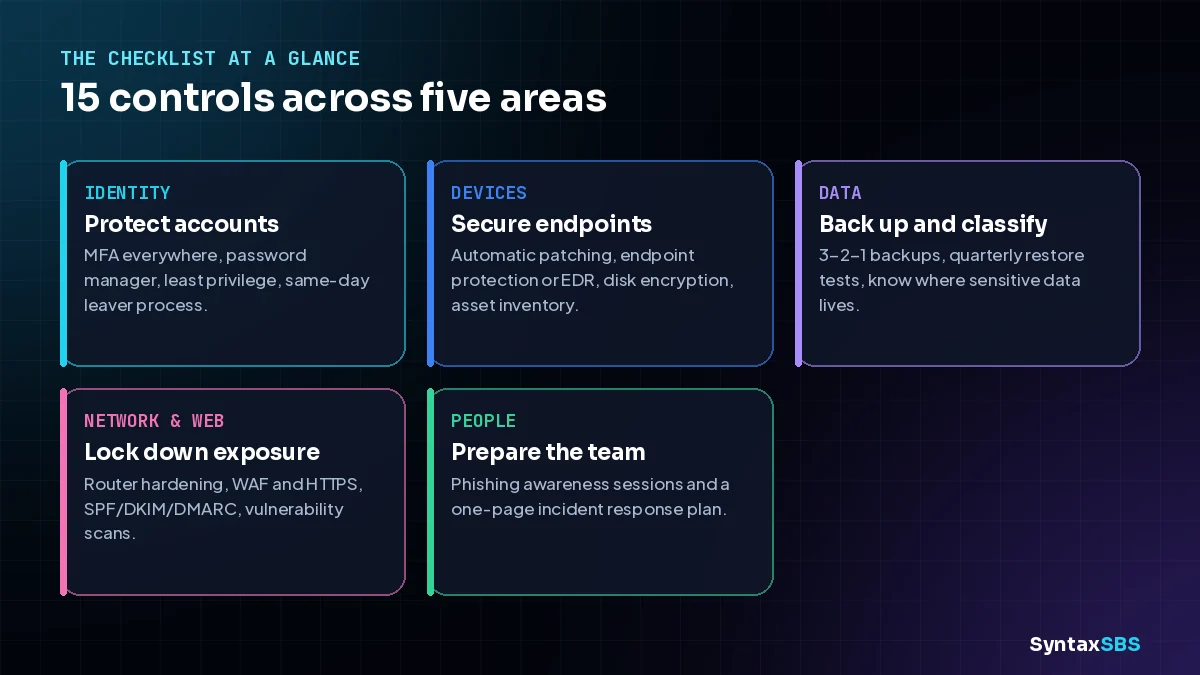
The checklist at a glance
| Area | Control | How often |
|---|---|---|
| Identity | MFA on all business accounts | Once, then check quarterly |
| Identity | Password manager for every employee | Once |
| Identity | Least privilege and same-day leaver process | Every change |
| Devices | Automatic patching | Continuous |
| Devices | Endpoint protection or EDR | Continuous |
| Devices | Disk encryption and screen locks | Once per device |
| Devices | Asset and account inventory | Quarterly |
| Data | 3-2-1 backups with one offline copy | Daily |
| Data | Restore test | Quarterly |
| Data | Know where sensitive data lives | Twice a year |
| Network | Router hardening and separate guest Wi-Fi | Once, then yearly |
| Website | Updates, WAF and HTTPS | Weekly |
| SPF, DKIM and DMARC | Once, then monitor | |
| Testing | Vulnerability scan / penetration test | Quarterly / yearly |
| People | Phishing awareness and incident plan | Quarterly |
Where to start if you can only do three things
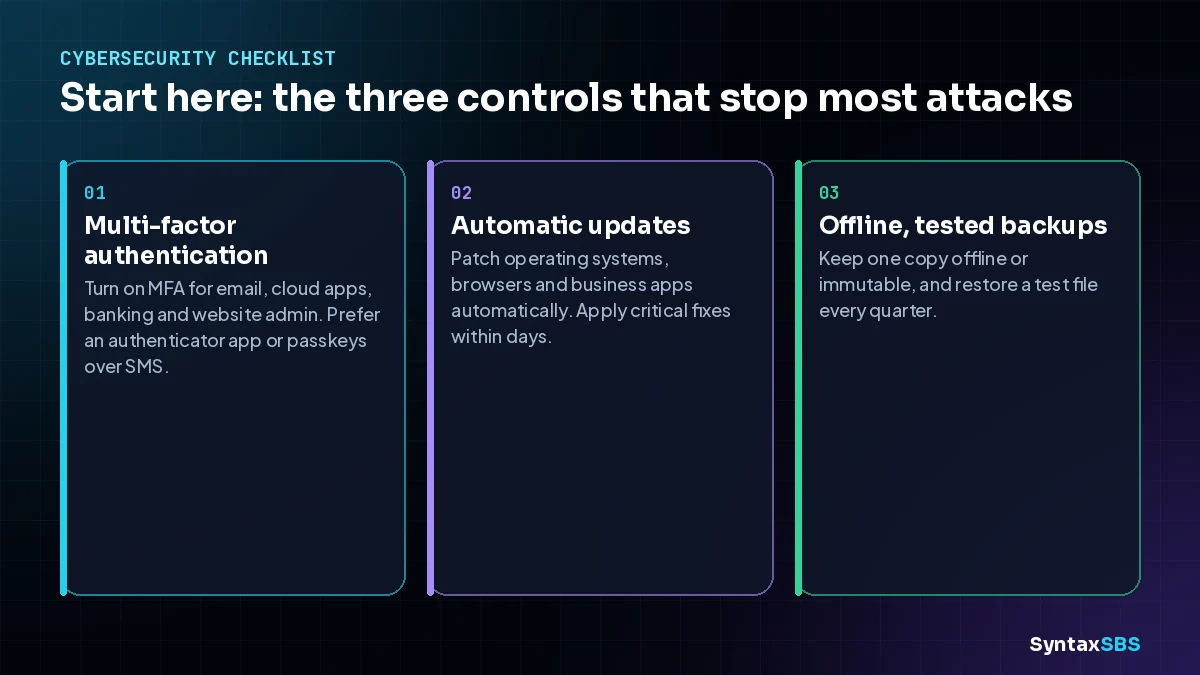
If time and budget are tight, start with multi-factor authentication, automatic updates and an offline backup you have actually restored. Those three controls alone close the doors used in most ransomware and account-takeover incidents we see.
When you are ready to go further, map your controls to a framework such as ISO 27001 or NIST CSF 2.0. Frameworks turn good habits into a repeatable system, and they are increasingly what larger customers and insurers ask to see.
Want to know where you stand? SyntaxSBS offers a free external vulnerability scan with a prioritised, plain-language report.